
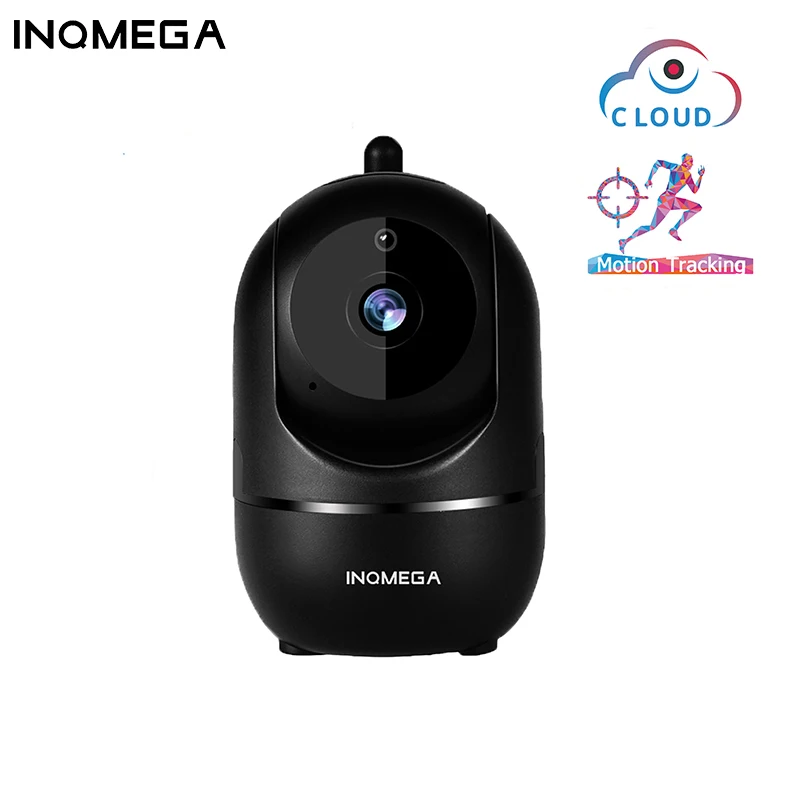
INQMEGA HD 1080P Wireless IP Auto Tracking Security Camera
₵470.58 – ₵990.65
Description
SPECIFICATIONS
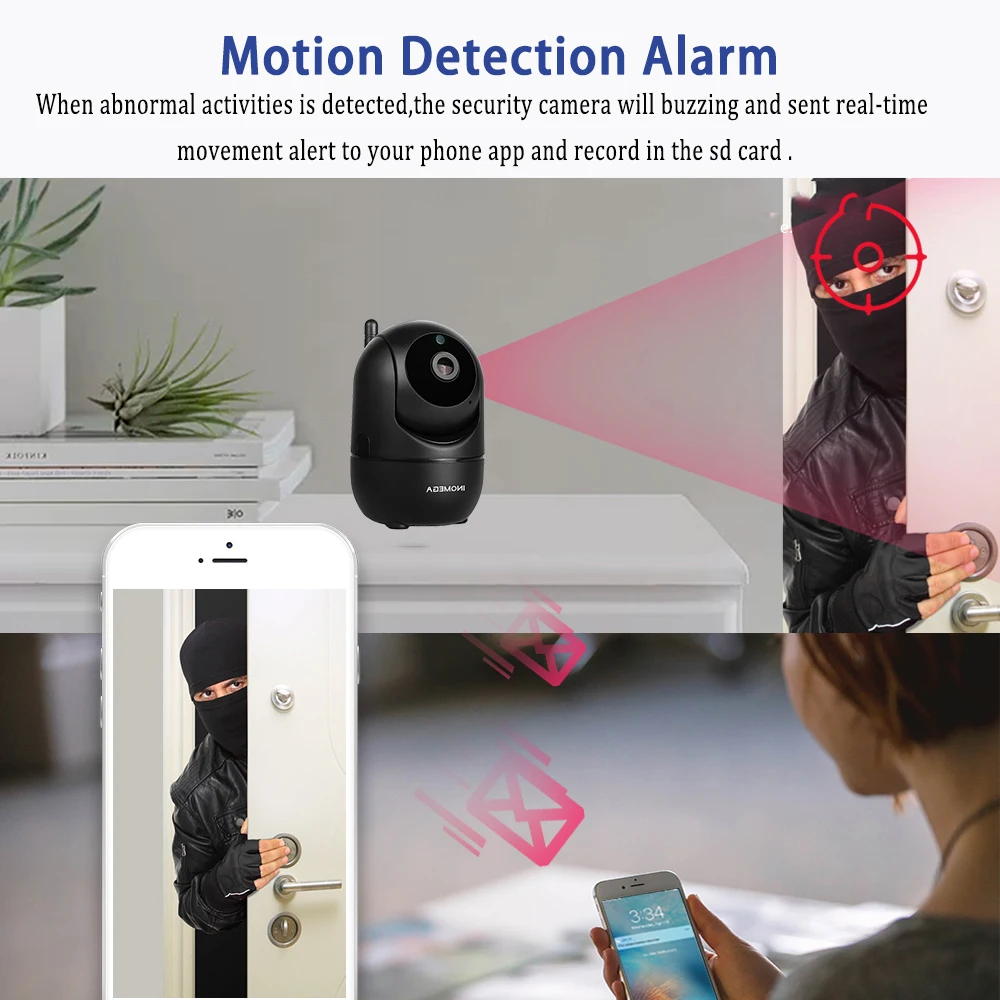
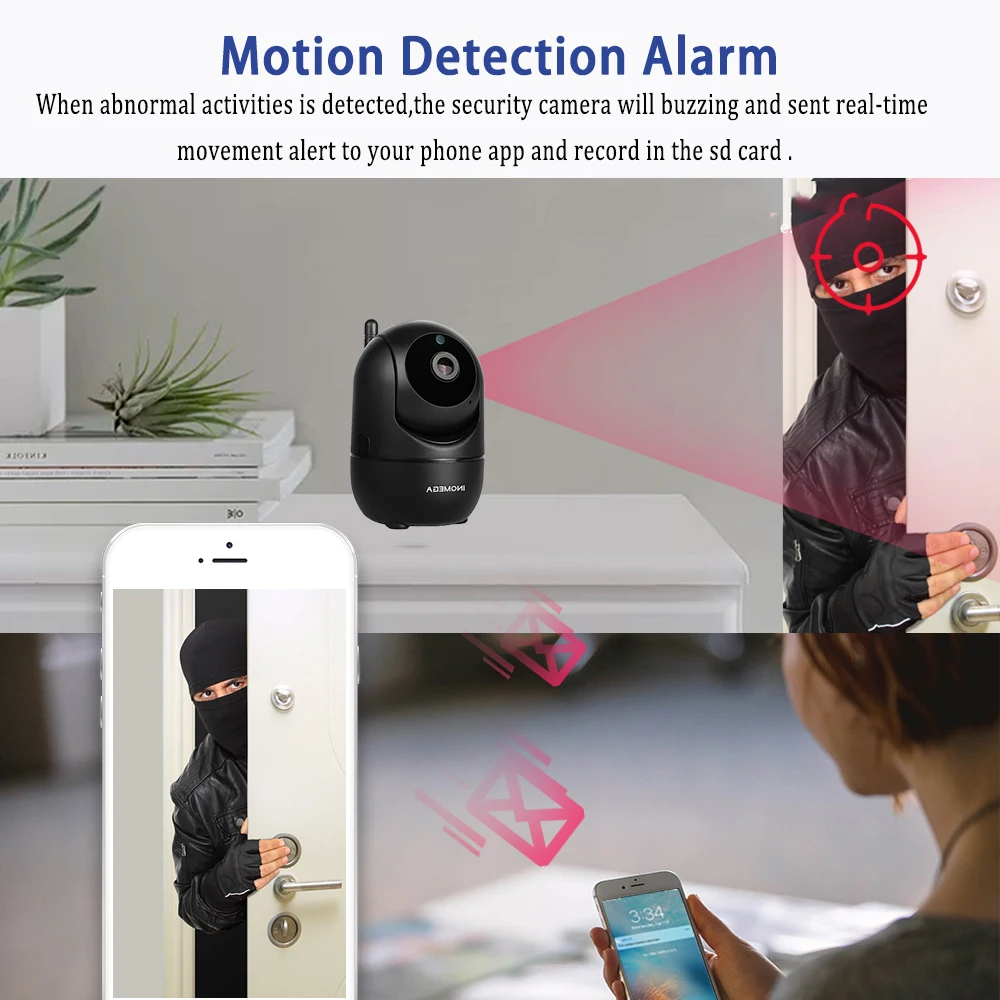
Alarm Action: Local Alarm
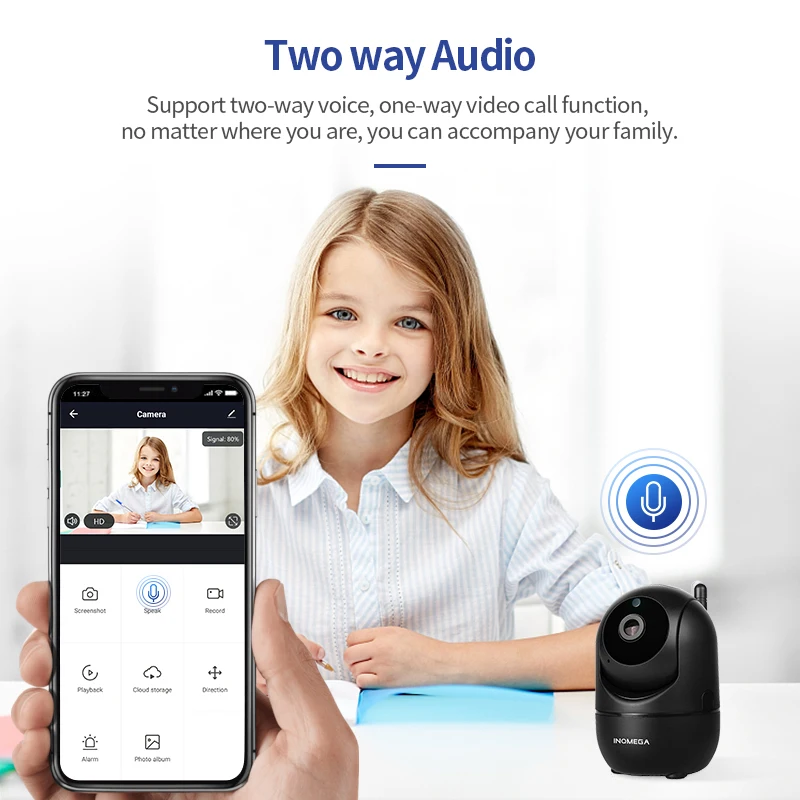
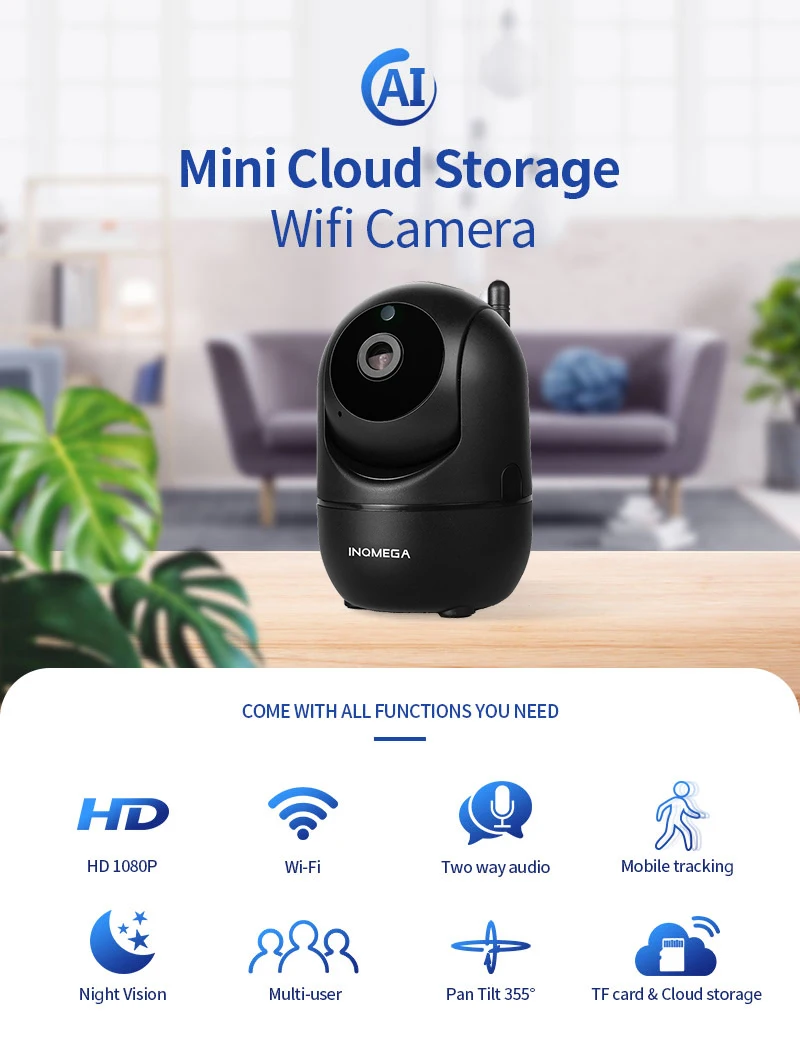
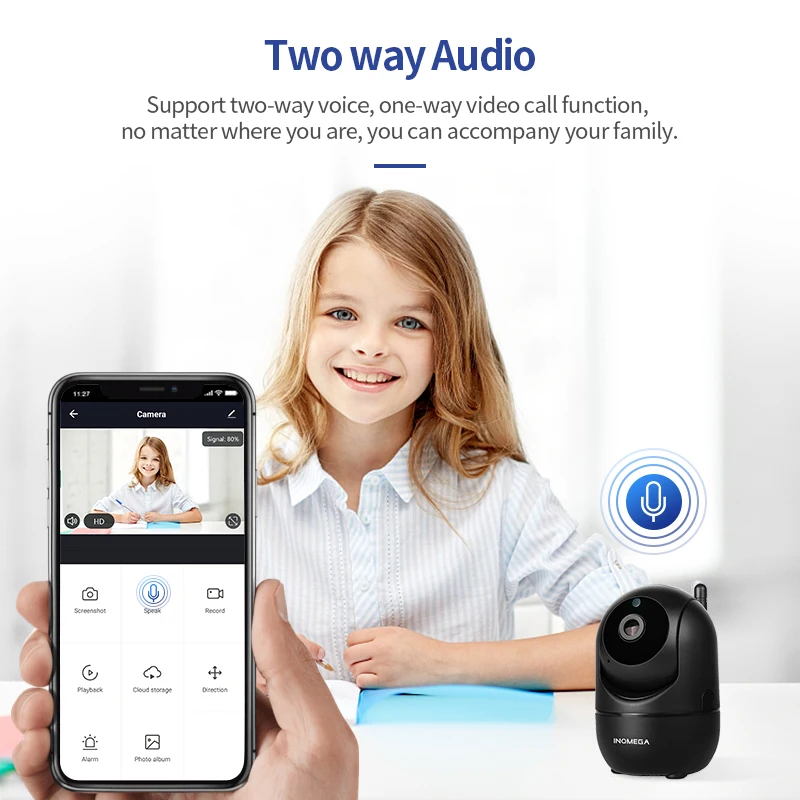
Audio Output: None,Two way audio
Certification: CE
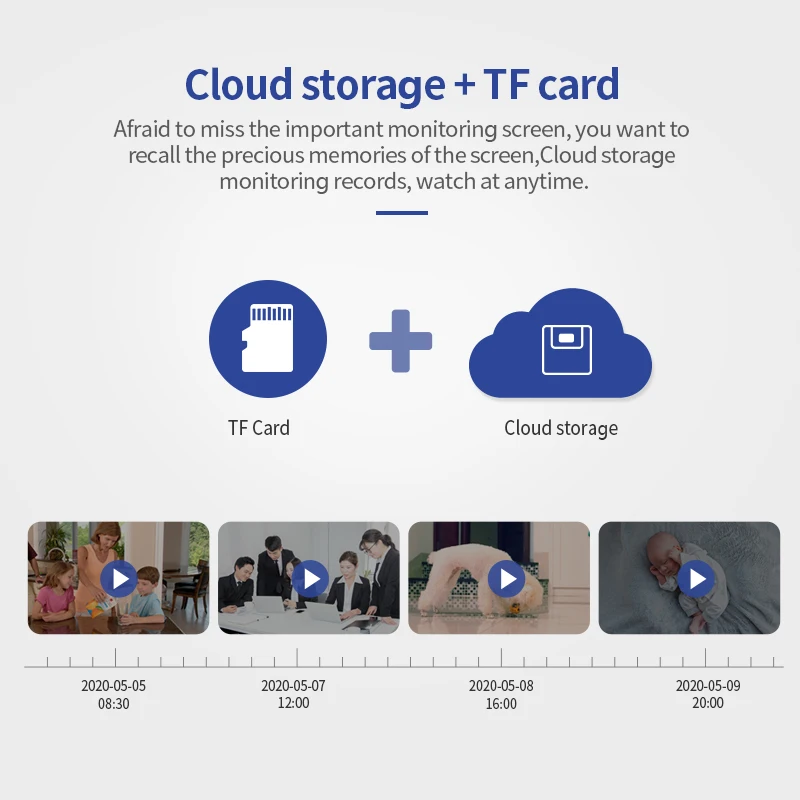
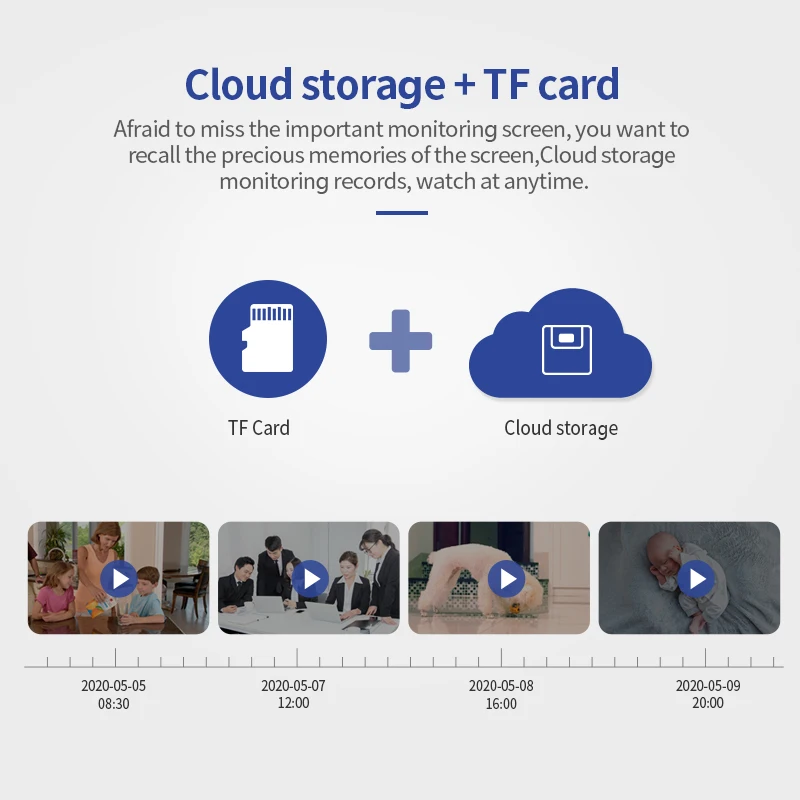
Cloud Service: Cloud Storage Wifi Camera
Color: Black
Connectivity: IP/Network Wireless
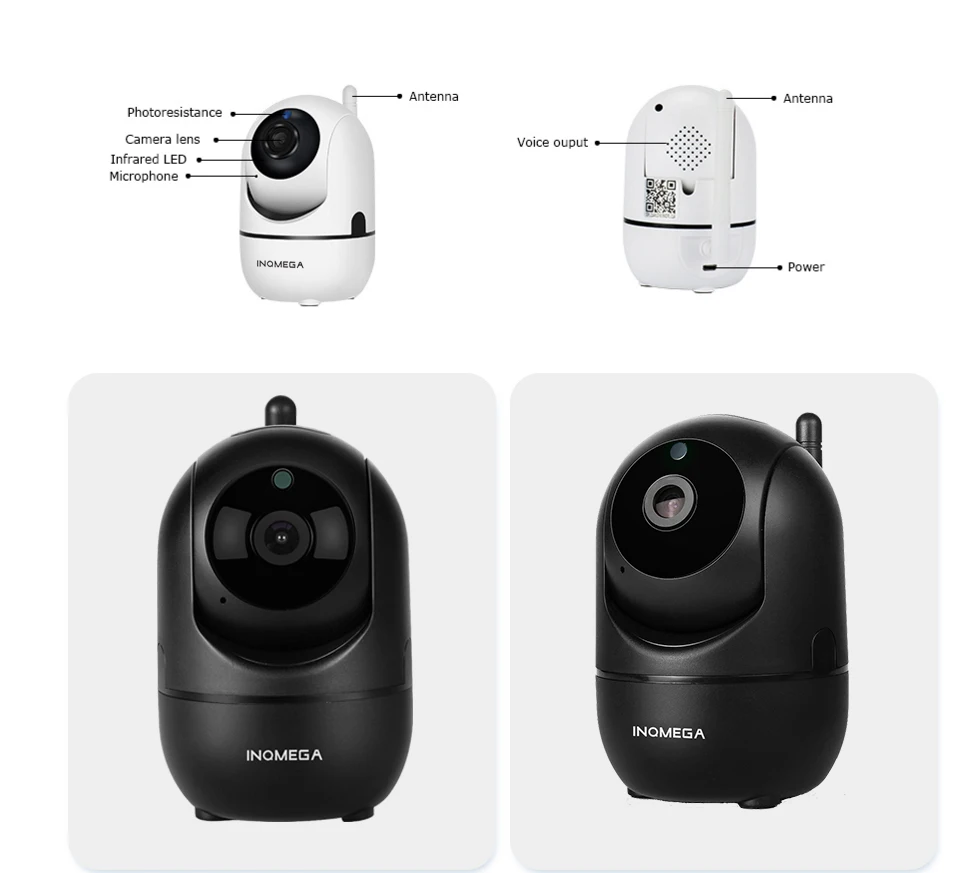
Dimensions (L x W x D)(mm): 11*7*8cm
Features: WiFi Home Security CCTV Camera


Features2: Intelligent analysis Body Motion Tracking
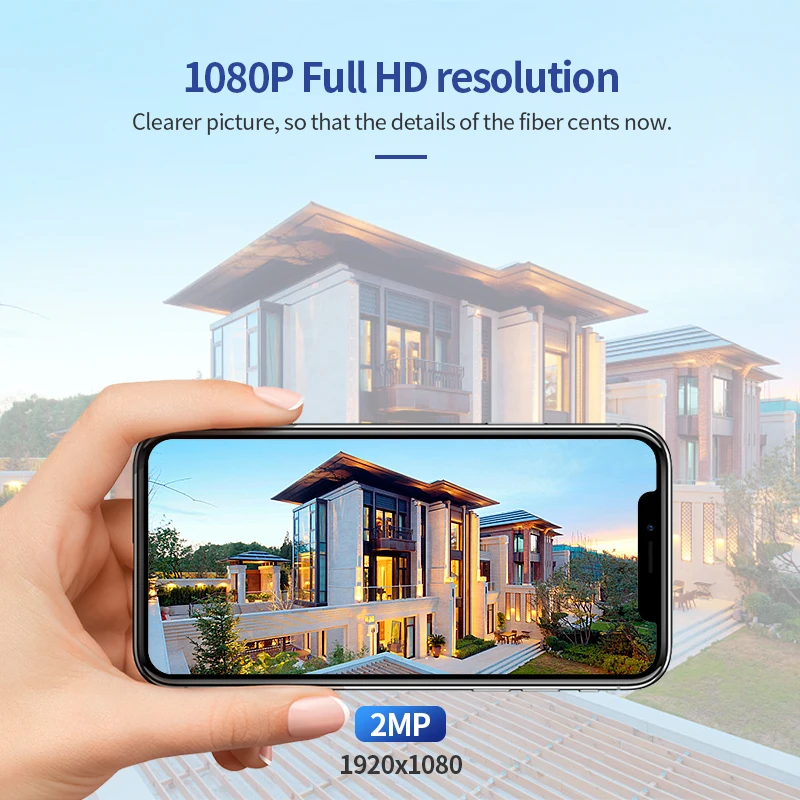
High Definition: 2.0 Megapixels
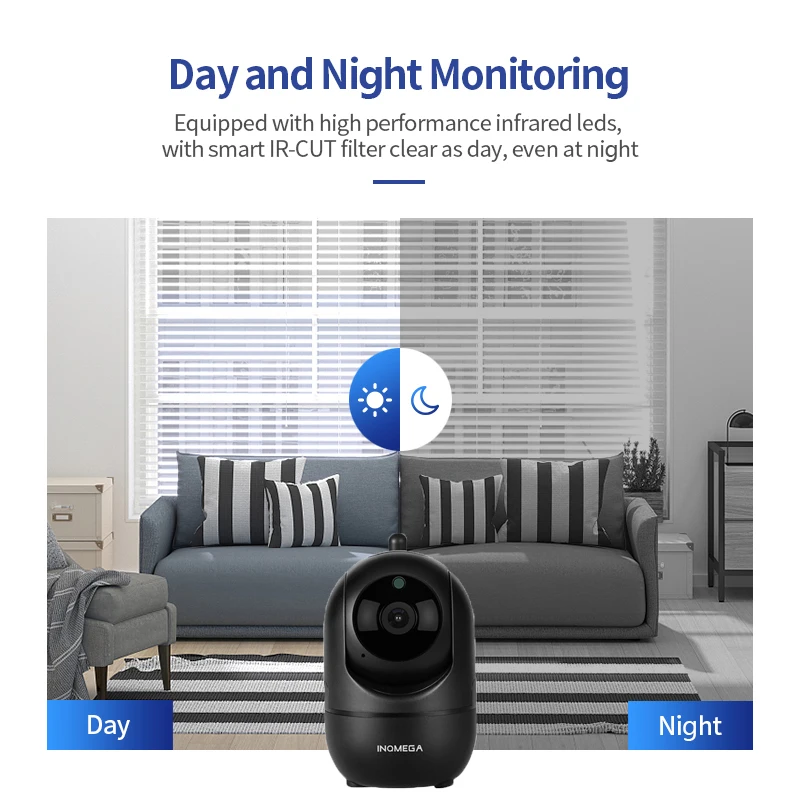
IR Distance(m): 10M
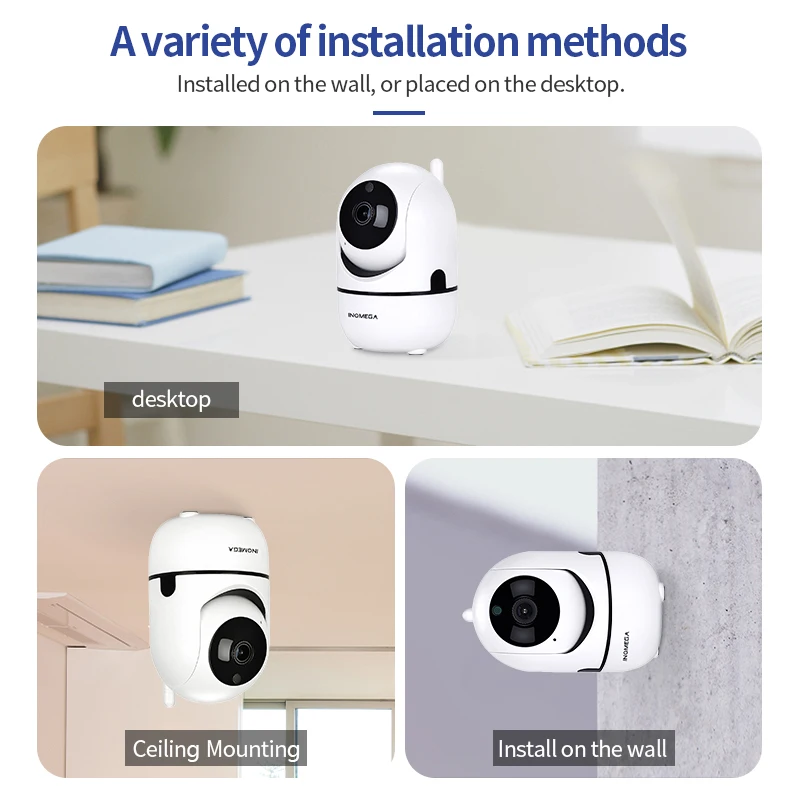
Installation: ceiling
Internal Storage: None
Lens (mm): 3.6mm
Megapixels: 2 MP
Minimum Illumination(Lux): 0.01LUX
Model Number: IL-HIP291-1M/2M-AI
Pixel: 2MP
Power Consumption(W): 3W
Power Supply: Normal
Power Supply(V): 100-250V
Sensor: CMOS
Sensor Brand: Sony
Smart home platform: Other
Special Features: Vandal-proof
Storage card slot: Micro sd card 8/16/32/64Gb
Style: Mini Camera
Supported Mobile Systems: Android,iOS
Supported Operating Systems: Windows 10,Windows 8,Windows 7
TF Card: None
Technology: Infrared
Video Compression Format: H.264
Viewing Angle : 90°
is_customized: Yes
wifi channel: 2.4Ghz







Cannot Connect To WIFI Successfully?
1.Please make sure the WIFI Password is correct.(Our Camera Only Support 2.4Ghz Wifi)
2.Please make sure the router signal is stable (place IP Camera close to your router for first connection is Recommended).The Camera will not work on a 5Ghz wireless standard at this time. If you have a dual-band router, be sure to segregate your wireless channels and connect the Camera to the 2.4ghz channel.
3.Please check that your wifi name and password do not have special symbols, our camera can only recognize English letters and numbers..
Reset
Check The IP Camera: please make sure the IP Camera send Waiting for connection message after the plug. If not, we need to reset the Camera.
1.Why Reset:
Reset is used to boost the IP Camera system, which become more efficient to accept the unknown router and connect it.
Reset will erase all user settings including WIFI information, access password, alarm information, arming zones information.
2.The Steps:
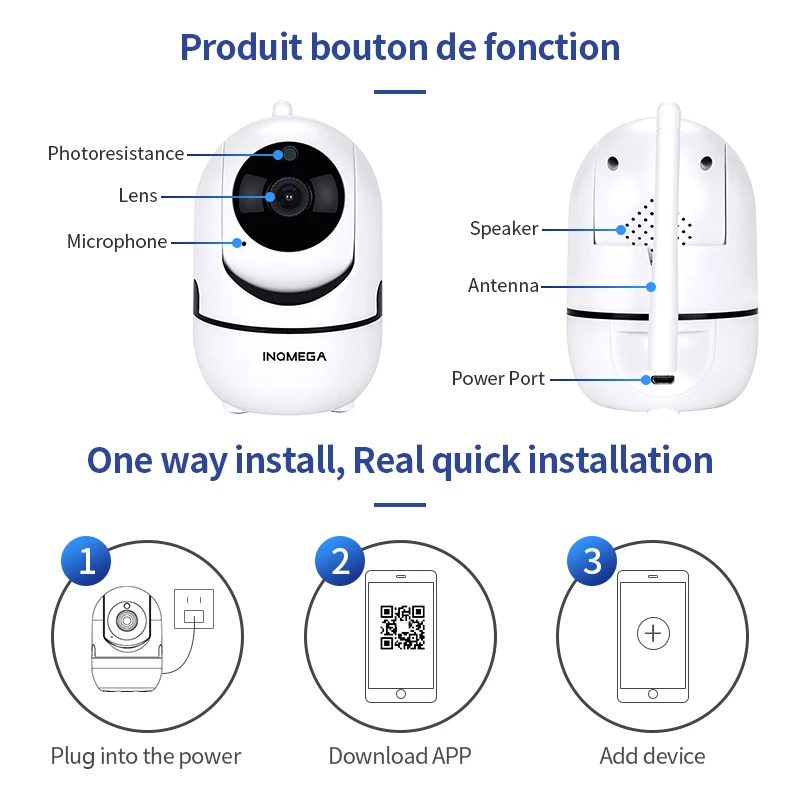
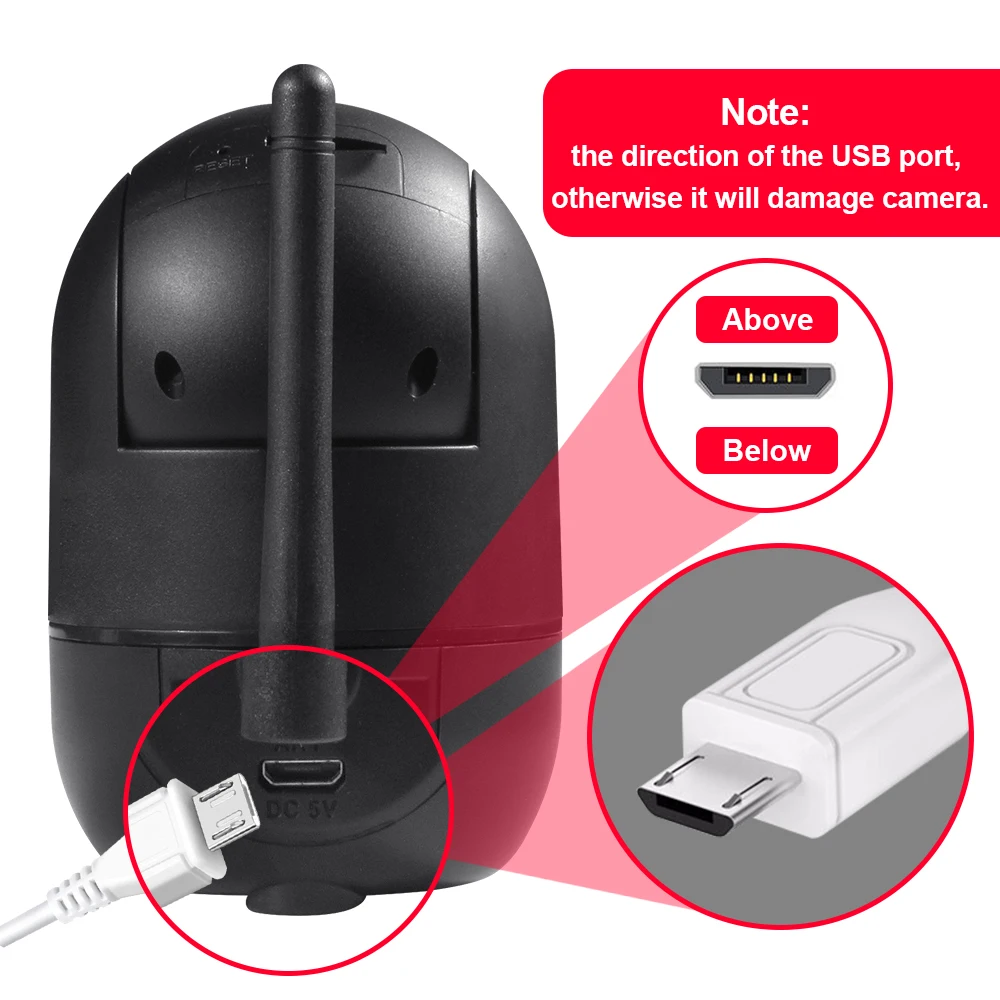
Find the reset hole at the bottom of the device, and then use needle to insert it, press it more more than three seconds after hearing “di” sound, when hearing ‘Reset to be defaulted setting’ sound, then camera reset successfully.
3.After the reset, user can start to connect it by WIFI.

Additional information
| Sensor Size | 720P-Black, 1080P-Black, 720P-White, 1080P-White, 720P-Black add 32GB, 720P-White add 32GB, 1080P-Black add 32GB, 1080P-White add 32GB |
|---|---|
| Plug Type | UK Plug, AU Plug, EU Plug, US Plug |
| Ships From | Russian Federation, spain, China Mainland, france |
Related products
-
- Sale!
- Electronics
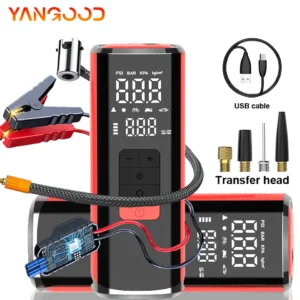
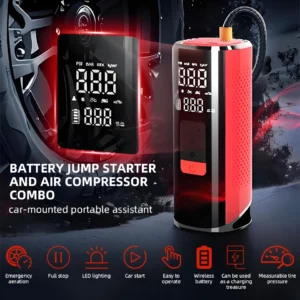
12000mAh Wireless Tire Inflator/Battery Jump Starter
- ₵1,218.34 – ₵1,883.44
- Select options



Reviews
There are no reviews yet.